
Your restaurant, served online
expect with this all-in-one business solution.

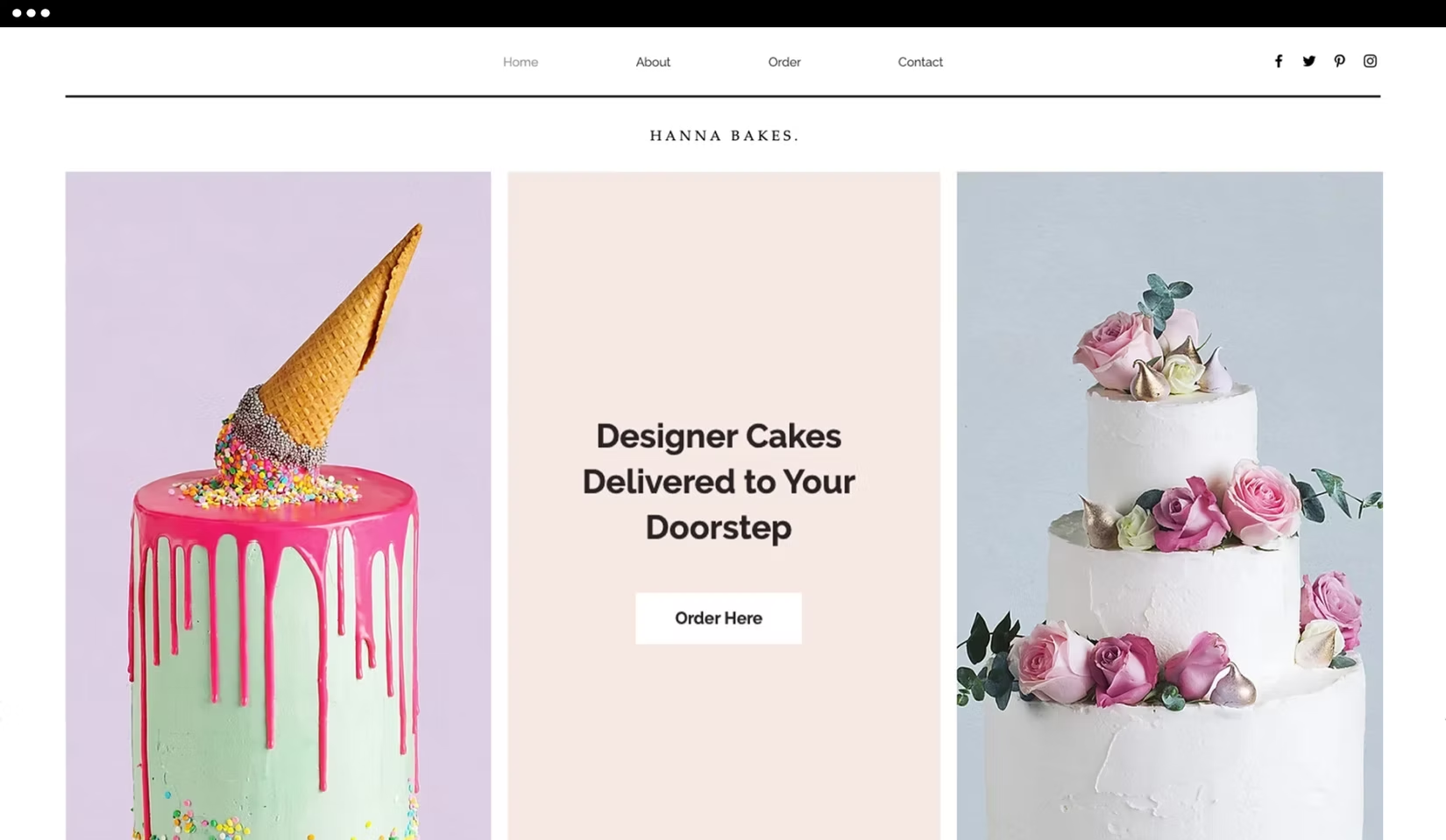
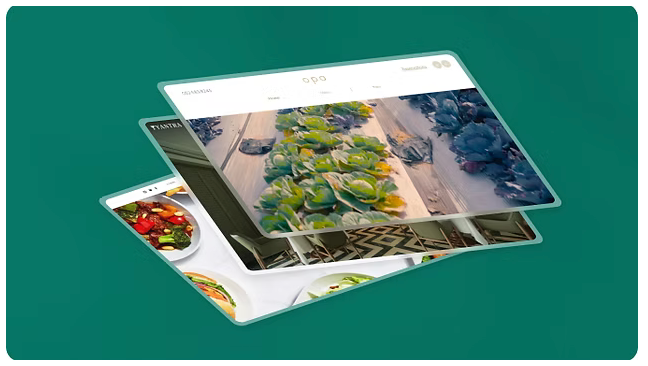
Website templates for every cuisine
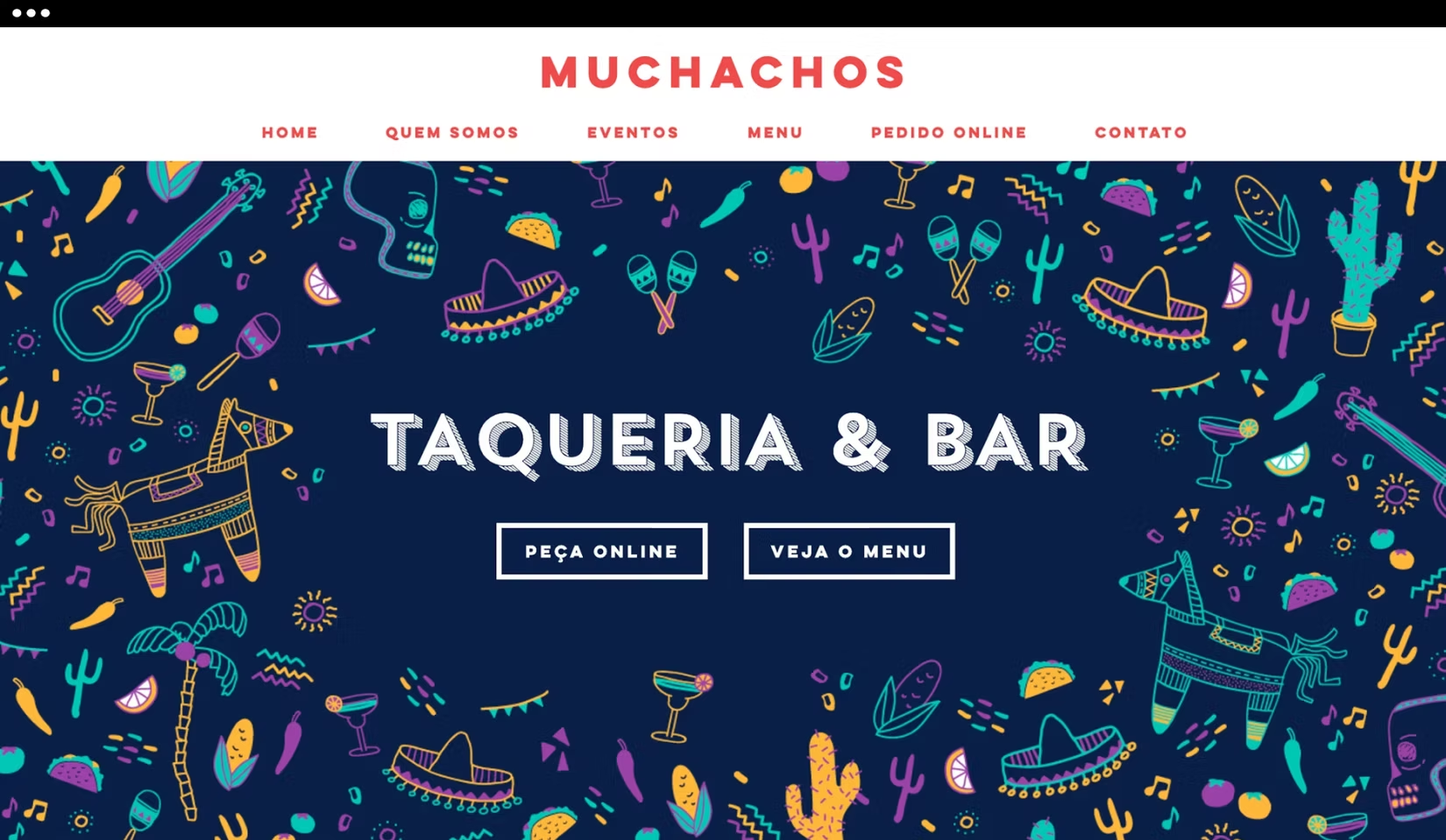
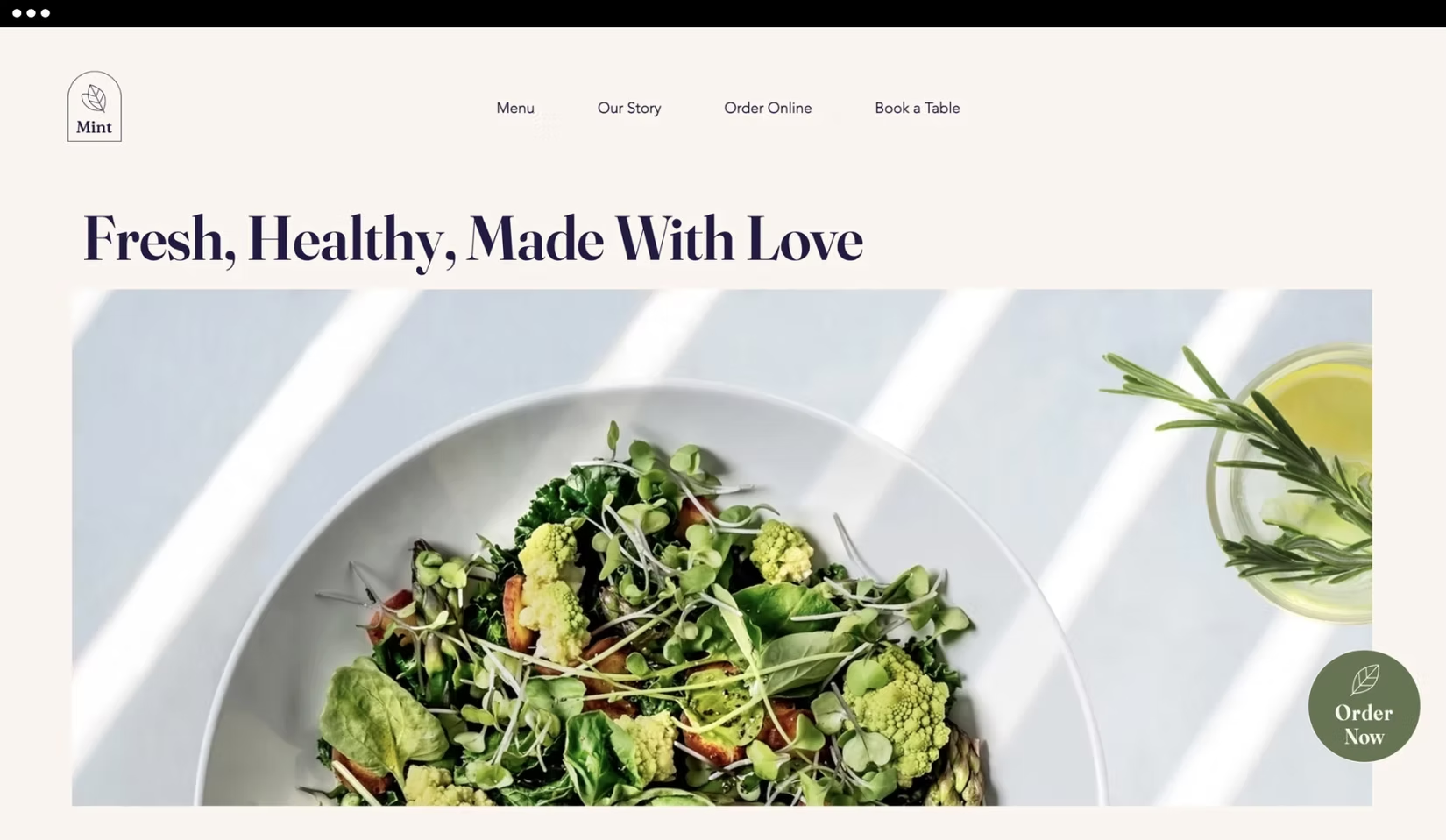
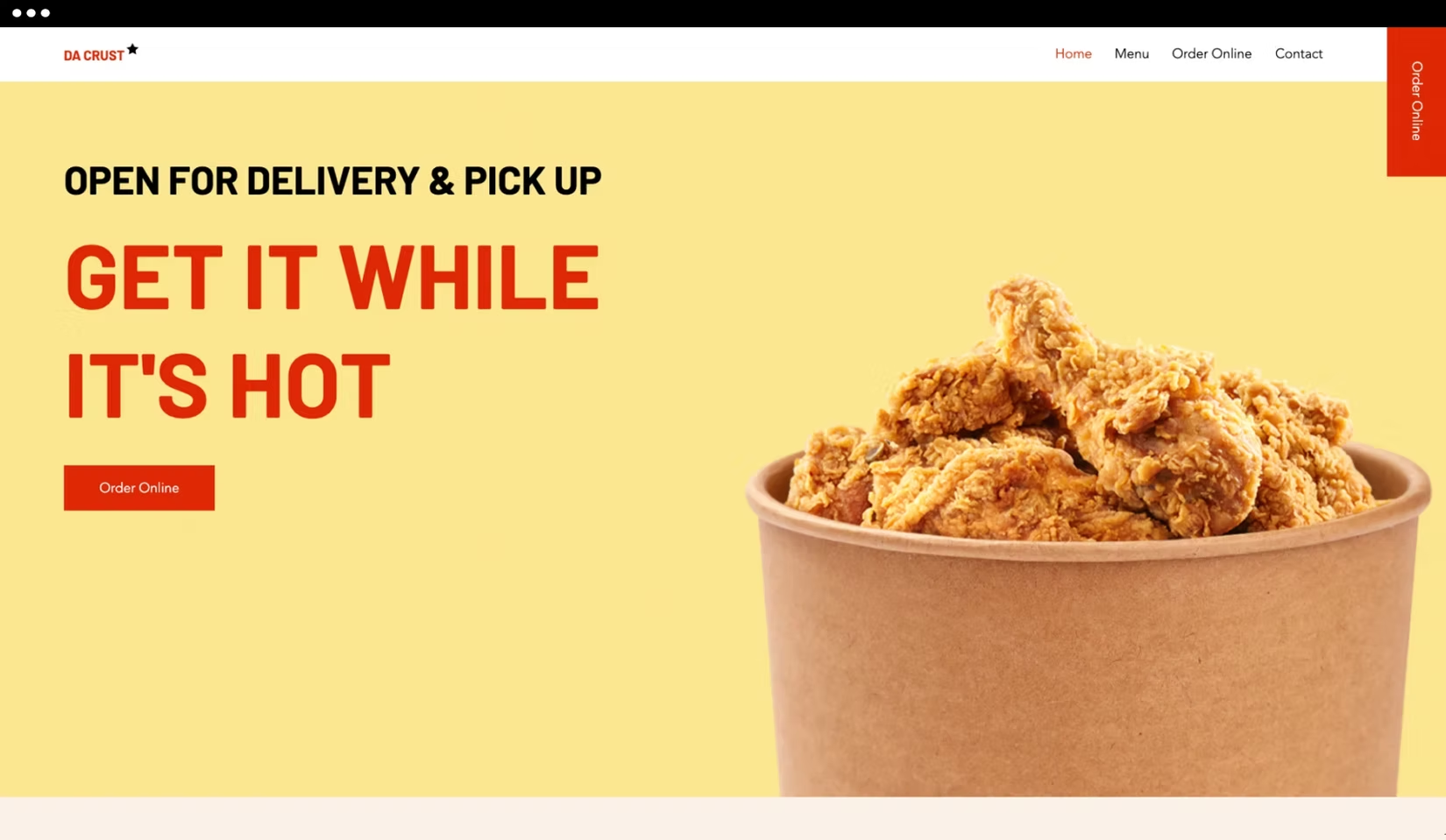

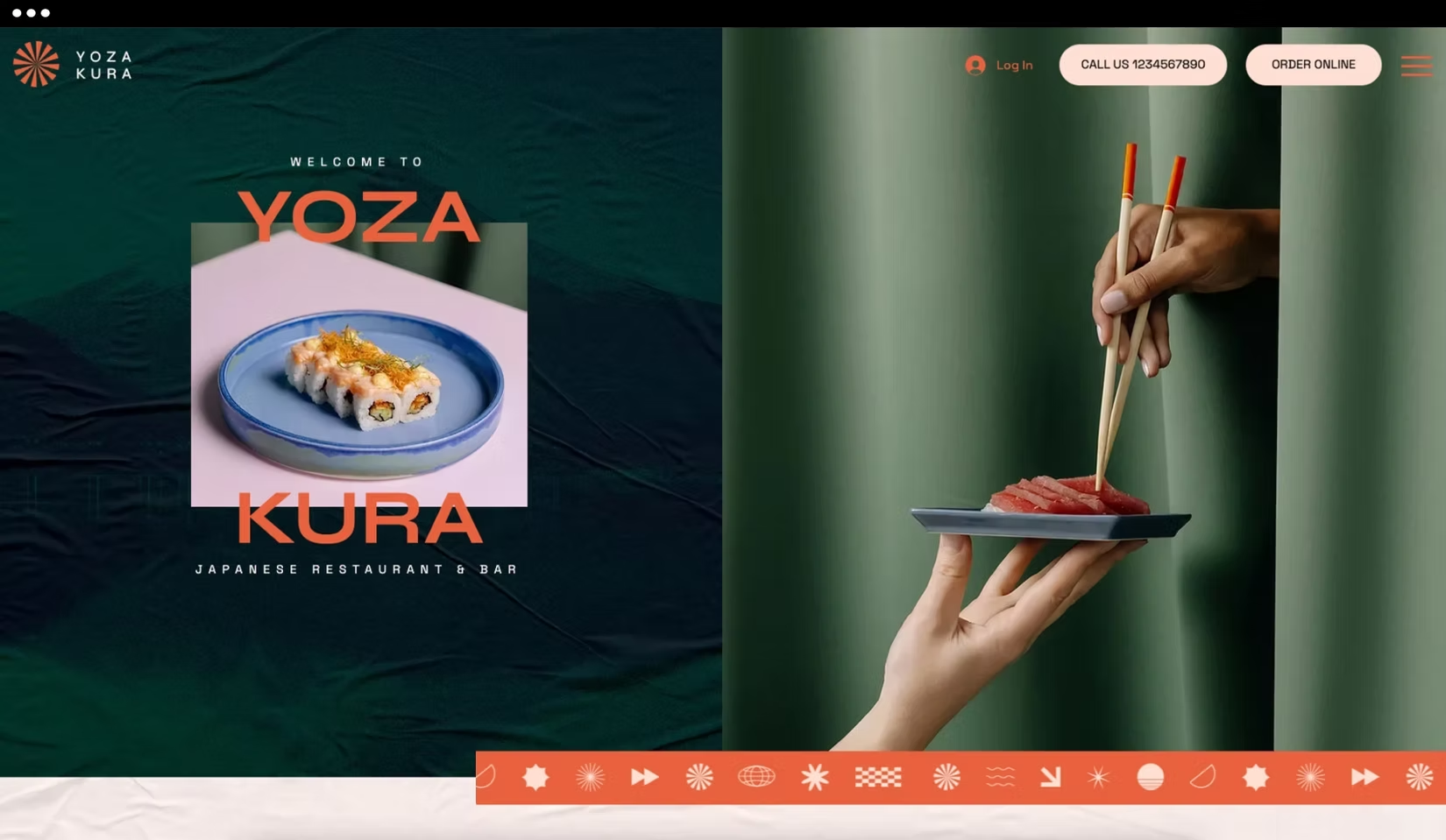
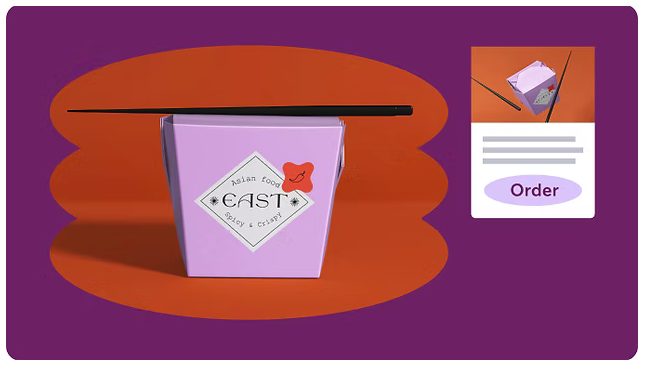
Serve more customers with on-demand delivery integration.
Build a strong customer base with an easily customizable loyalty program.
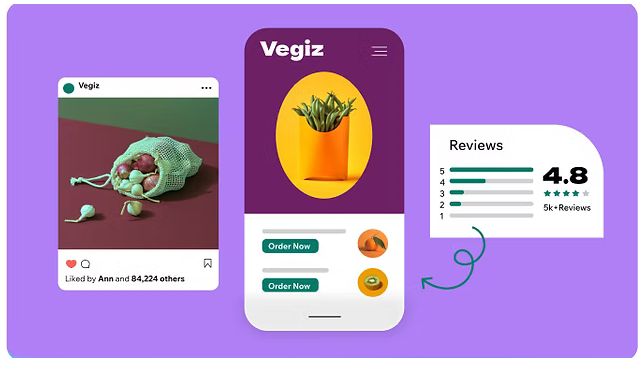
Get a suite of built-in marketing tools to grow and promote your business.
advanced point of sale solutions—right on your dashboard.
with real-time data
and increase sales, then tailor their online experience to fit their needs.
We’re here to help
Hire an expert
Find the right Wix-certified website designers, SEO experts, web developers and more to suit your needs and budget. They’ll build the site, while you focus on the dinner rush
restaurant
website
Follow these steps in the Nex restaurant
website builder.
Get inspired by top restaurant websites.
Select a professionally-designed template.
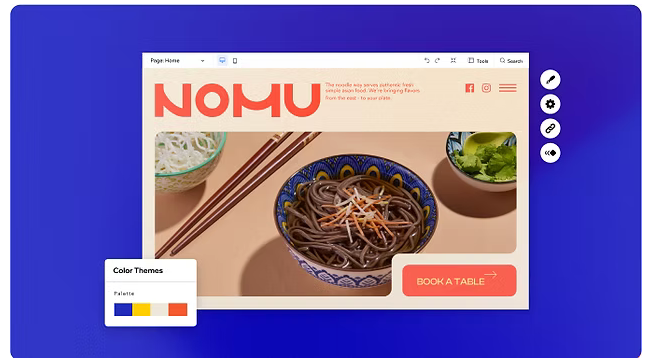
Customize it to match the look and feel of your restaurant.
Create your online menu and start adding dishes.
Set up online ordering and reservations.
Grow your business with powerful marketing tools.
FAQ
Nex Restaurants delivers all the features you need to get your own restaurant online and ready to serve. From online ordering to search engine optimization, we’ve got you covered. Start with the restaurant website builder, then serve your customers online. If you’re looking for a tasteful name for your food business, be sure to check out the free Restaurant Name Generator.
An online food ordering system lets customers view your menu, place an order, and pay right on your site. Nex Restaurants offers a commission-free online ordering system, so you can feed your customers and your bottom line. Learn how to set up your online ordering system so you can reach more customers.
1. Sign up or log in to Nex.
2. Choose a professional website template with Nex Bookings built right in.
3. Add your first service with details and times.
4. Set up a payment method to accept online payments.
5. Create a service package or plan to offer your clients.
6. Start promoting your business.
You can select from any of our industry-leading website templates, featuring fitness, beauty, education, photography, consulting, and more.
Easily set up your classes, 1-on-1 appointments, group sessions, courses, and intro calls, so clients can book your time.
Yes. Download the Nex Mobile App to add a new service, update your schedule, check-in clients, chat with members and review analytics. Clients can download the Nex Mobile App too. They’ll be able to book services, pay and chat with you.
You can create a Wix Bookings site and present your services for free. In order to accept bookings and payments, you need to have a Nex Business Premium Plan. Each of these plans includes a full suite of features and tools to manage and grow your business from desktop and on-the-go with the Nex Mobile App.