Nex Features
your website and grow online.
CREATE A WEBSITE
Design features
Mobile site editor
Entrance animations
Draw attention to where you want it most by adding dozens of animation effects to your site.
Image shape crop
Crop your images however you want, whether it’s manually, by shape, or by ratio.
Image filters
Edit and enhance your images with a large selection of filter options.
VideoBox
Showcase videos in a unique way. Edit the design of the box and ‘play’ button, add overlays and more, to make your videos really pop.
Custom fonts
Upload and use your own fonts so that your site fully matches the vibe of your brand.
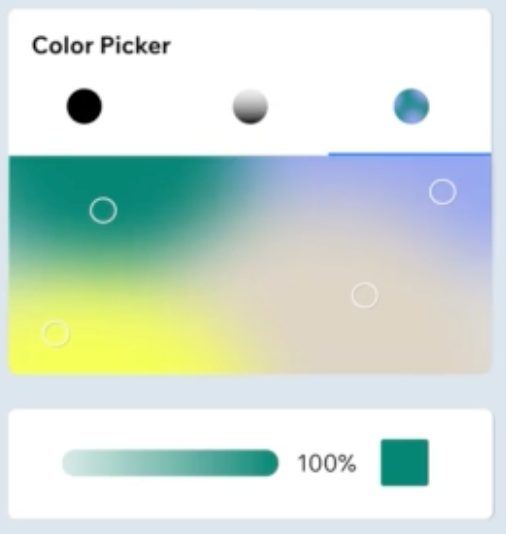
VideoBox
Showcase videos in a unique way. Edit the design of the box and ‘play’ button, add overlays and more, to make your videos really pop.

Transparent videos
Showcase videos in a unique way. Edit the design of the box and ‘play’ button, add overlays and more, to make your videos really pop.

Website templates
Choose from 900+ pro-designed templates and customize one to make it your own.
Text Mask
Fill your text with a unique video, image or gradient to create an extraordinary visual.
Shape Dividers
Add Shape Dividers to your strips and sections, and customize them to split the layout of your site in a more interesting way.
Sections
Add and customize sections on your site to begin structuring your pages and their content.
Custom interactions
Make your site interactive by triggering animations when visitors perform specific actions, like hovering, scrolling or clicking.
Vector Art
Add Vector Art to bring life to your site. Choose from 100s of free options or upload your own.
Slideshows
Customize slideshows to display images and content on your site in a unique way.
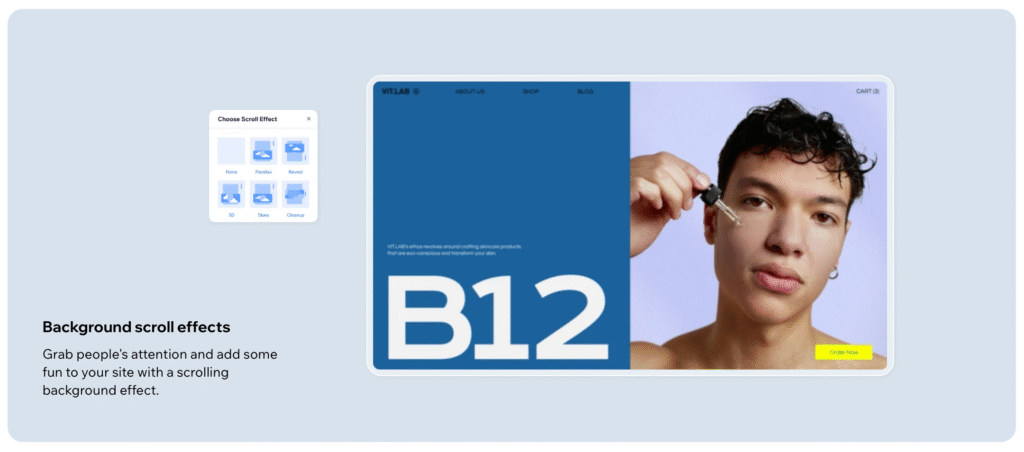
Color & text themes
Customize your color and text themes to easily change your entire site’s look, feel, and aesthetic.
My Designs
Save an element or group of elements to My Designs to reuse on any site in your account.
Mobile welcome screen
Create a mobile site welcome screen to introduce your brand, while allowing the site to fully load in the background.
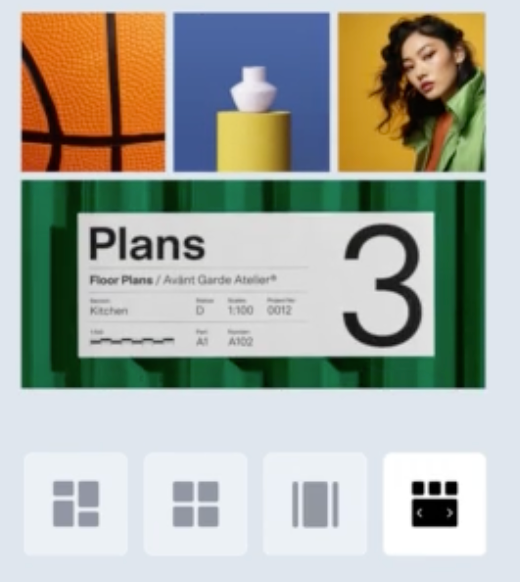
Pro Gallery
Showcase your photos and videos in the highest quality with a customizable gallery.
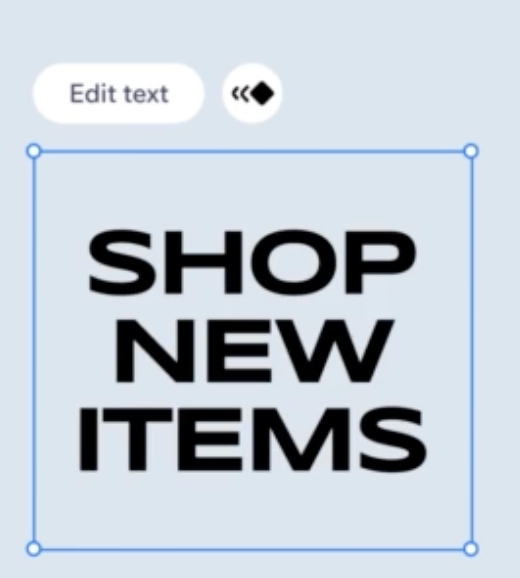
Drag & drop editor
Customize every aspect of your site’s design to match your vision with an intuitive editor.
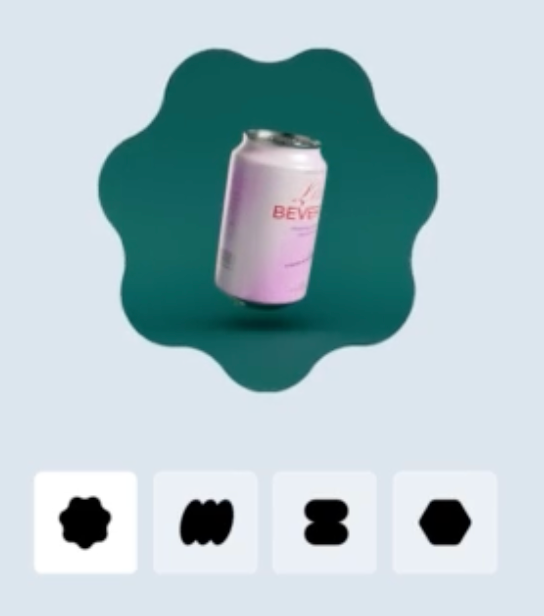
Video Mask
Shape VideoBoxes in a unique way—choose from shapes and vector art, or upload your own.
CREATE A WEBSITE
Essentials
App Market
Gain access to hundreds of third-party apps to help you enhance your site and grow your business.
Code development platform
Add code to your site for advanced design control and functionality.
Multiple site collaborators
Invite people to collaborate on your site and manage their roles and permissions.
Multilingual Website
Translate your site into multiple languages to communicate with visitors around the world and expand to new markets.
Platform Page duplication
Duplicate pages on your site, or copy a page into a different site for increased efficiency and convenience.
Customizable 404 error pages
Customize the 404 page that visitors see when trying to access a page that doesn’t exist on your site.
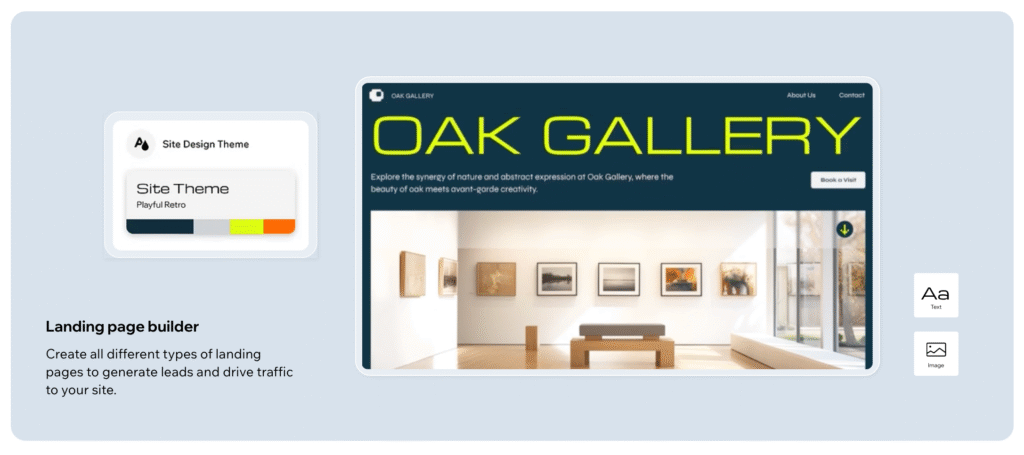
Site menu design
Customize your site menu to improve navigation and promote specific pages with mega menus and submenus.
Image upload
Populate your site with images of your choice to make it look more professional and truly make it your own.
Video upload
Upload your own content to your site, or add videos from YouTube, Facebook and more to engage your visitors.
Social bar
Add a social bar to your site to display icons that link directly to your social media platforms.
Free media from Nex
Choose from thousands of free high-quality images, videos, icons, and more to make your site stand out.
Affiliate links
Add affiliate links to text, images or buttons to direct your site visitors to websites you’re affiliated with to earn money.

Text & icon buttons
Customize buttons to encourage your site visitors to click and perform the action you want.
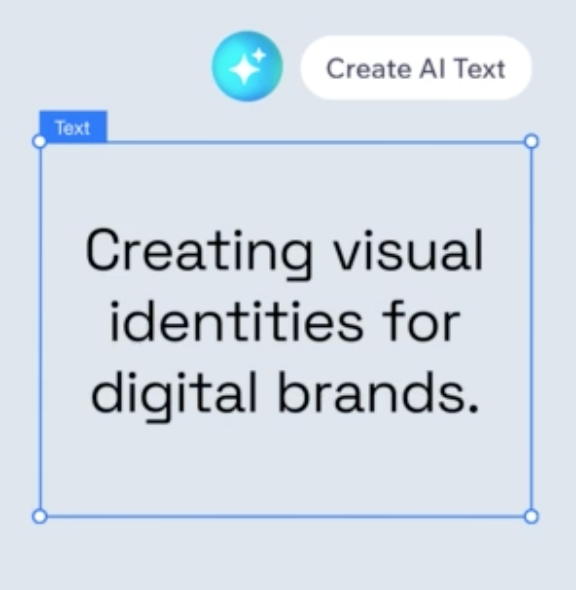
AI generated text
Enter a few keywords and let AI help you generate unique text for your site’s pages.
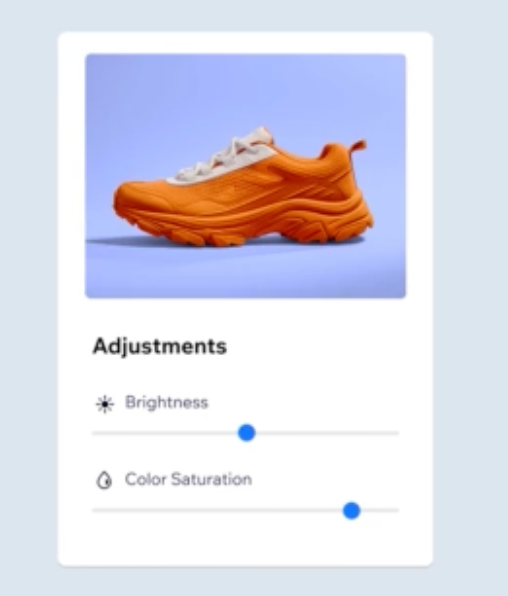
Photo Studio
Add filters, edit and enhance your images straight from the Editor.
Site search
Add a site search to help your visitors find the most relevant content, products and services on your website.
Anchor links
Link to specific sections of a page to help improve your site navigation.
Google Maps
Add Google Maps to showcase your location and make it easy for visitors to get directions to you in one click.
Audio player
Feature music or podcasts on your site to engage visitors.
YouTube feed
Add a YouTube feed to your site and enable each new video you add to automatically sync to your site.
Accessibility Wizard
Make your website accessible to people with disabilities.
CREATE A WEBSITE
Essentials
App Market
Gain access to hundreds of third-party apps to help you enhance your site and grow your business.
Code development platform
Add code to your site for advanced design control and functionality.
Multiple site collaborators
Invite people to collaborate on your site and manage their roles and permissions.
Multilingual Website
Translate your site into multiple languages to communicate with visitors around the world and expand to new markets.
Platform Page duplication
Duplicate pages on your site, or copy a page into a different site for increased efficiency and convenience.
Customizable 404 error pages
Customize the 404 page that visitors see when trying to access a page that doesn’t exist on your site.
Site menu design
Customize your site menu to improve navigation and promote specific pages with mega menus and submenus.
Image upload
Populate your site with images of your choice to make it look more professional and truly make it your own.
Video upload
Upload your own content to your site, or add videos from YouTube, Facebook and more to engage your visitors.
Social bar
Add a social bar to your site to display icons that link directly to your social media platforms.
Free media from Nex
Choose from thousands of free high-quality images, videos, icons, and more to make your site stand out.
Affiliate links
Add affiliate links to text, images or buttons to direct your site visitors to websites you’re affiliated with to earn money.
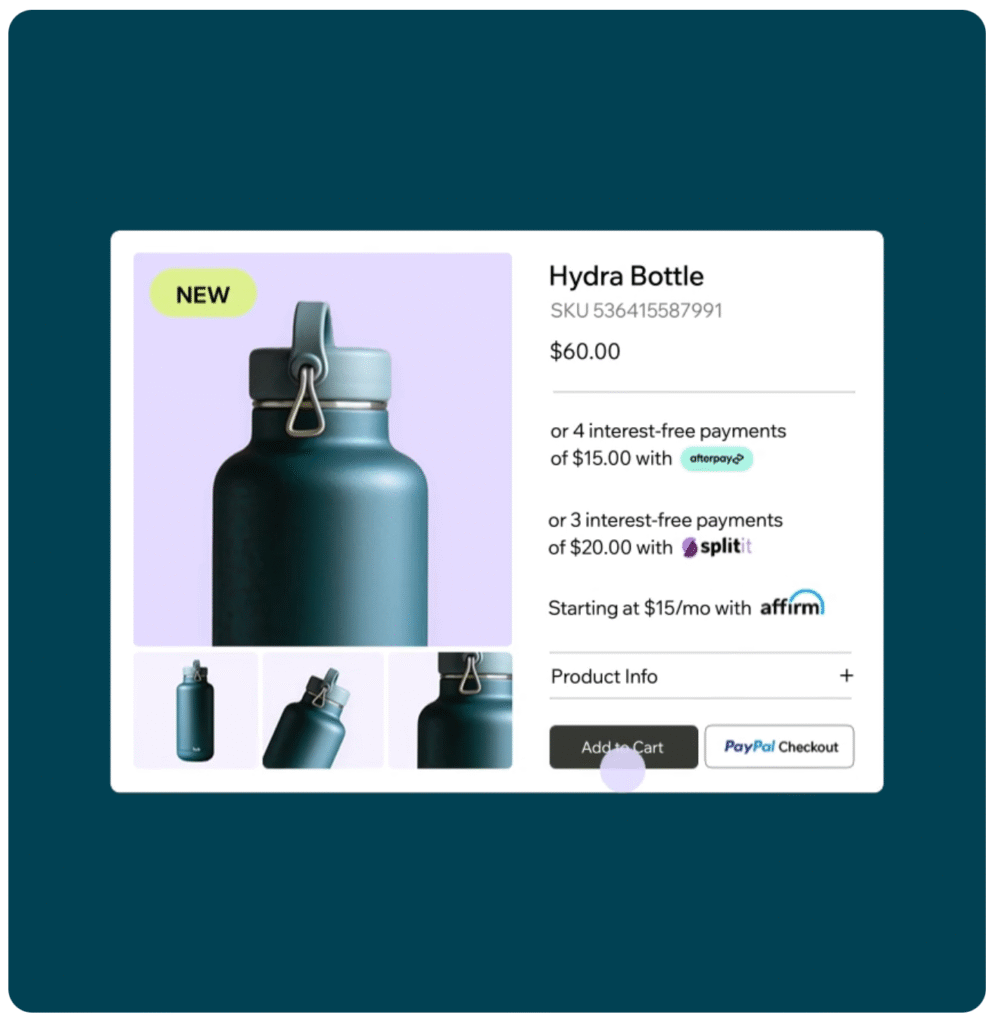
Multiple payment methods
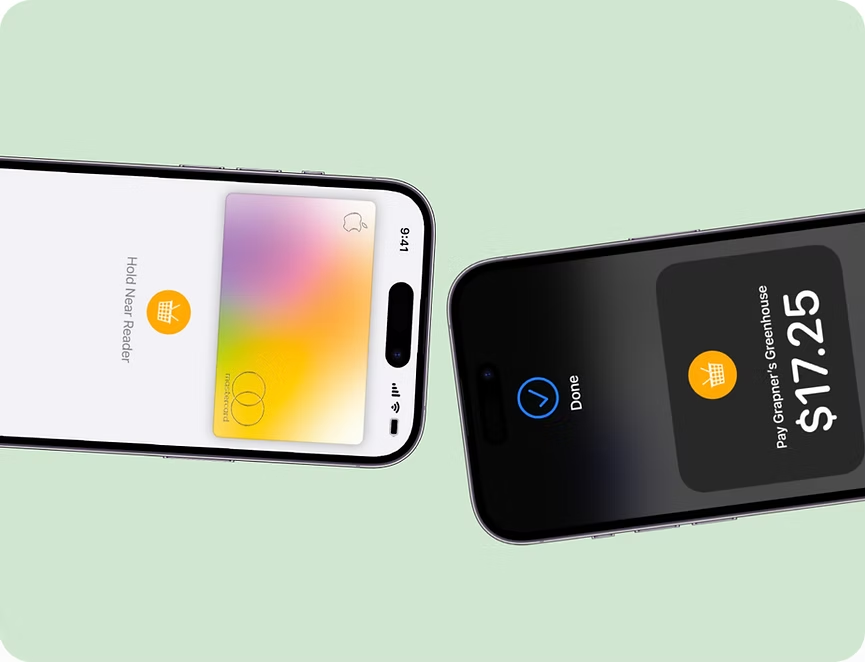
Accept payments online—or in person with Nex POS—from major debit/credit cards, Apple Pay, Google Pay, PayPal, Tap to Pay, local currencies, BNPLs like Affirm, Afterpay, Klarna, and more.
Optimized checkout
Help boost conversions with a full suite of payment options on your eCommerce website. Help reduce abandoned carts with a checkout customized to suit your customers.
Nex Point of Sale (POS)
Get paid wherever you sell—online and in person. Manage your inventory, sales, payments, analytics and more with Nex POS. Currently, Nex POS is available to Nex Merchants based in the U.S., Canada and U.K. (except Northern Ireland).
Flexible payment options
Build customer loyalty and earn revenue by offering flexible payments. Let customers pay as they go or purchase memberships, subscriptions and packages.
Manage your business
on one platform
Accept payments by connecting our own payment provider Nex Payments or choose from 80+ payment providers.
All-in-one business solution
Streamline your business with Nex Payments. Manage everything from your dashboard—from payments to orders, bookings, events, services, classes, subscriptions and more.
Competitive processing fees
Get fixed payment processing fees based on your business’ transactions. With transparent pricing, you get one fixed fee for credit card processing online.
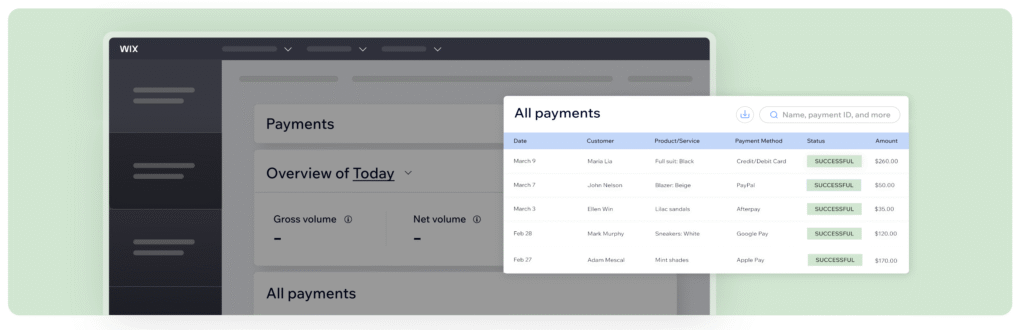
Integrated payment dashboard
Control all your business transactions from a single dashboard. Review payments, handle refunds and chargebacks, schedule payouts and more.
Built-in dispute tool
Quickly handle and respond to chargebacks. Our convenient tool allows you to monitor, accept and dispute chargebacks right from your dashboard.
Get financial resources to grow your business directly from Nex
Get instant access to your
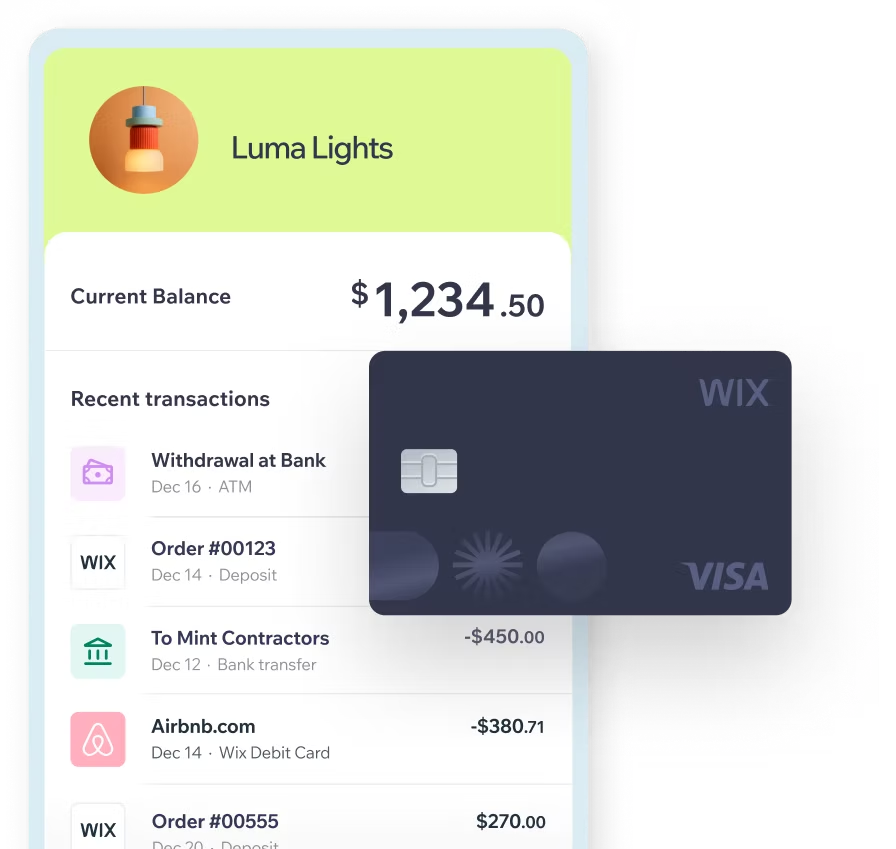
earnings with Nex Checking
Get paid faster and manage your business finances–all from your Nex Dashboard with instant payouts, real-time cashflow tracking, the ability to pay expenses with ACH transfers or your free Nex Visa® debit card, and enjoy it all with no monthly fees.
Get a cash advance to invest in growing your business
Get the cash you need to expand, stock up, or invest in marketing—no long application process, receive funds in 3-5 business days after approval, and you can remit automatically from a percentage of your sales with no interest or hidden fees.
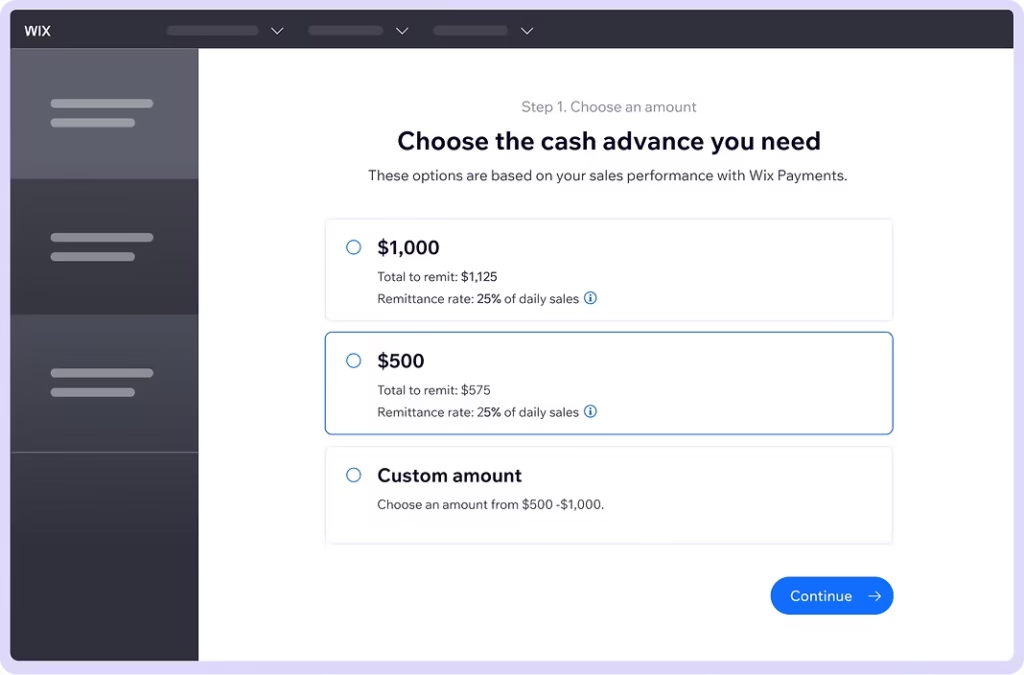
Nex Capital & Nex Checking are currently being offered to eligible users in the U.S.
Protect customers with
secure transactions
PCI-compliant payment processing
Secure on-site and in-app checkout with HTTPS/TLS data encryption
AI-powered anti-fraud system and dedicated 24/7 risk team
3D Secure 2 authentication at checkout for EU card payments
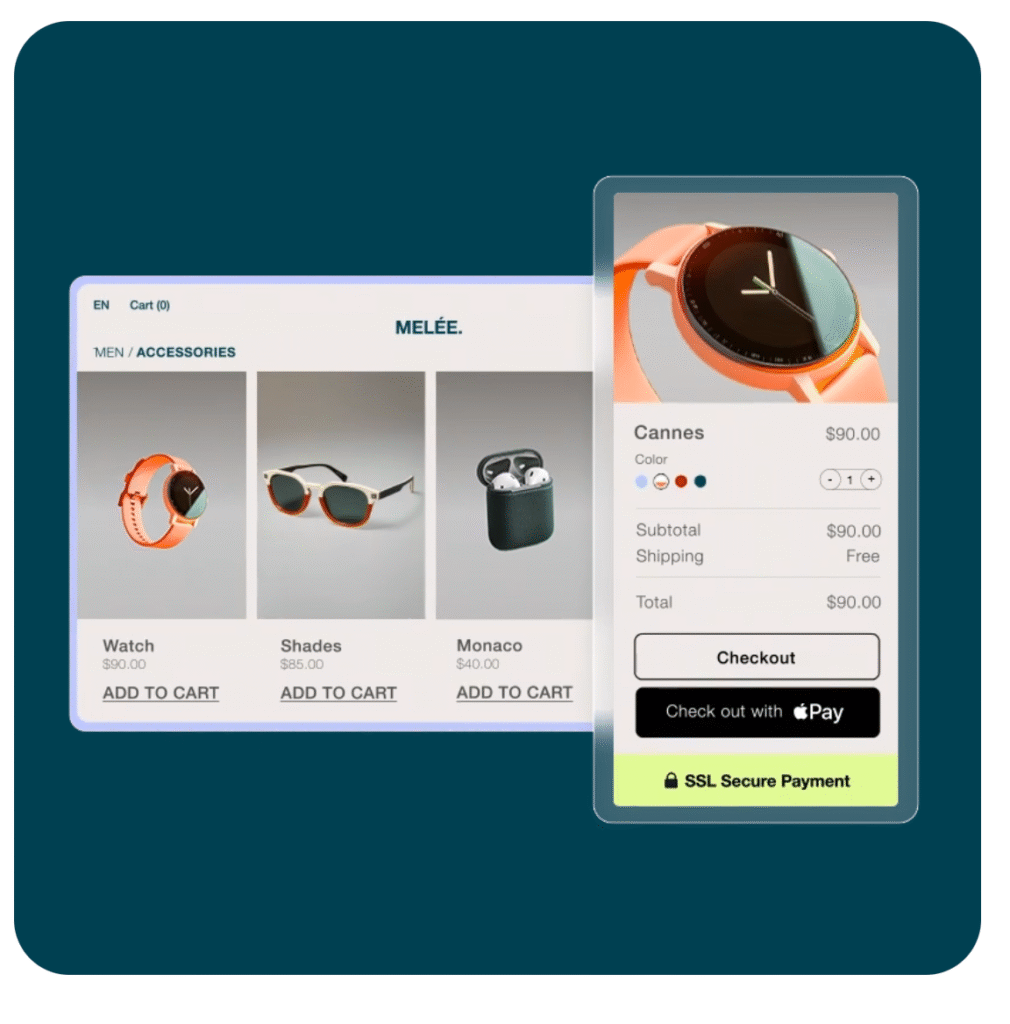
Get expert tips on how to accept payments online
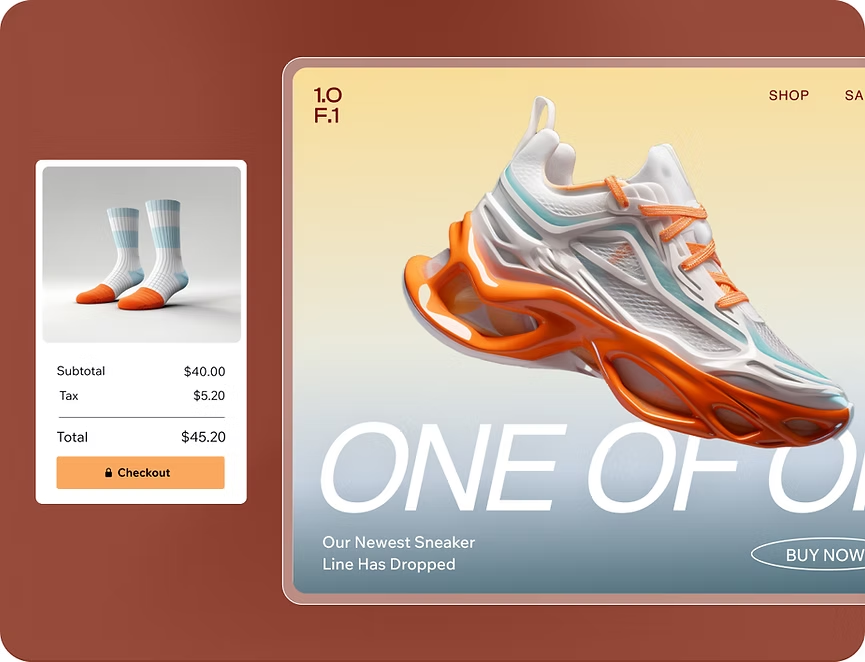
How to start an online store
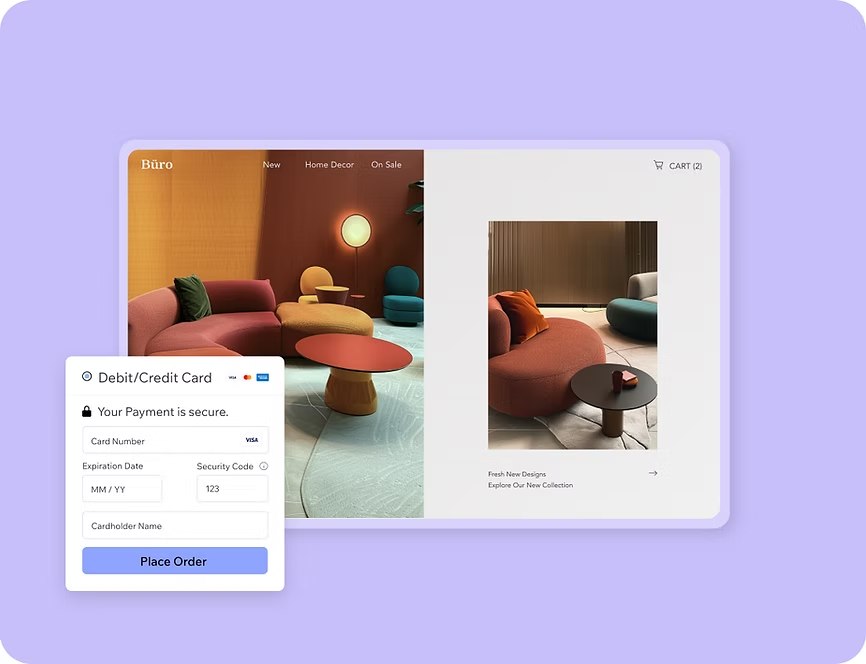
How to accept secure online payment with Nex
Discount pricing strategies to help you sell
We’re here for you
Finding quick solutions
the Nex Help Center.
Contact Us
Get dedicated support by chat or schedule a call with a Customer Care Expert.
Accepting payments online FAQ
Why should I choose Nex payments?
Nex Payments is our own payment solution, allowing you to accept debit/credit cards, Apple Pay, Tap to Pay on iPhone and Android, Google Pay, and other popular payment methods from your customers. Our integrated provider lets you manage your payments where your orders and bookings are.
To learn more about Nex Payments, check out our article.
How do I connect Nex payments?
Follow these 3 easy steps to connect our own payment provider, Nex Payments. Follow our checklist to help walk you through the process. Then you can enable your desired payment methods without the hassle of integrating multiple providers.
Check that your location and business type are supported before connecting Wix Payments.
Fill in your business information to set up your Nex Payments account so you can get verified for payouts.
After your account is verified, you can receive payouts which will be sent directly to your bank account.
What payment methods are available with Nex payments?
You can accept debit and credit card payments from all major brands: Visa, Mastercard, American Express, Discover, Diners, CUP, JCB and Maestro. Depending on your location, you can also get paid via Apple Pay, Tap to Pay on iPhone, Google Pay, iDEAL, Pay Now by Klarna, Pix and Boleto.
Note: You can only use one provider for debit/credit card payments. To let your customers choose how they pay at checkout, we recommend adding alternative payment methods that work with Nex Payments, like PayPal or buy now, pay later solutions.
In which countries and currencies is Next Payments available?
Nex Payments is available in the following countries and currencies:
Austria (EUR)
Belgium (EUR)
Brazil (BRL)
Canada (CAD)
Finland (EUR)
Germany (EUR)
Ireland (EUR)
Italy (EUR)
Lithuania (EUR)
Netherlands (EUR)
Portugal (EUR)
Spain (EUR)
Switzerland (CHF)
United Kingdom (GBP)
United States (USD)
What types of businesses are supported by Nex Payments?
Can I use Nex Payments to accept payments in person?
Yes, you can. Nex Payments is built into Nex Point of Sale (POS), which automatically syncs your online and in-person payments, inventory, sales and more.
Please note, Nex POS is currently available to select U.S.-based and Canada-based Nex Merchants.
What are the processing fees for using Nex Payments?
Nex Payments charges a payment processing fee based on your payment method and transactions. With transparent pricing, you get one fixed fee for all credit cards. Nex doesn’t charge additional fees for processing refunds.
View Nex Payments’ processing fees here.
How do payouts work with Nex Payments?
What do I need to know about using Nex Payments?
Why should I accept multiple payment solutions?
The more payment options you provide on your site, the more customers you can encourage to complete transactions. Cater for a wide audience by offering multiple payment options like credit cards, Apple Pay, Google Pay, BNPL and more at your checkout.
How can I accept credit card payments online?
To accept card payments online, you need to connect a payment provider to your site. Once connected, you can easily take credit card payments at checkout.
By connecting Nex Payments, you can automatically accept credit and debit cards, Apple Pay, Google Pay and more. You can also seamlessly track all transactions right from your Nex dashboard.
How can I offer PayPal as a payment option to customers?
Nex now offers two ways to connect PayPal to your site–Nex Payments, or externally. By connecting PayPal with Nex Payments, a new PayPal account will be created for you – allowing you to then manage all sales (PayPal included) right in your Nex Dashboard. If you prefer you can still externally connect an existing PayPal account.
Learn More